Orders raised. Approvals tracked. Invoices matched.
Manage the full purchase order lifecycle from request to payment. Multi-step approval workflows, supplier management, invoice matching, and integrations with Xero, Sage, and QuickBooks keep your spend visible and your books clean.
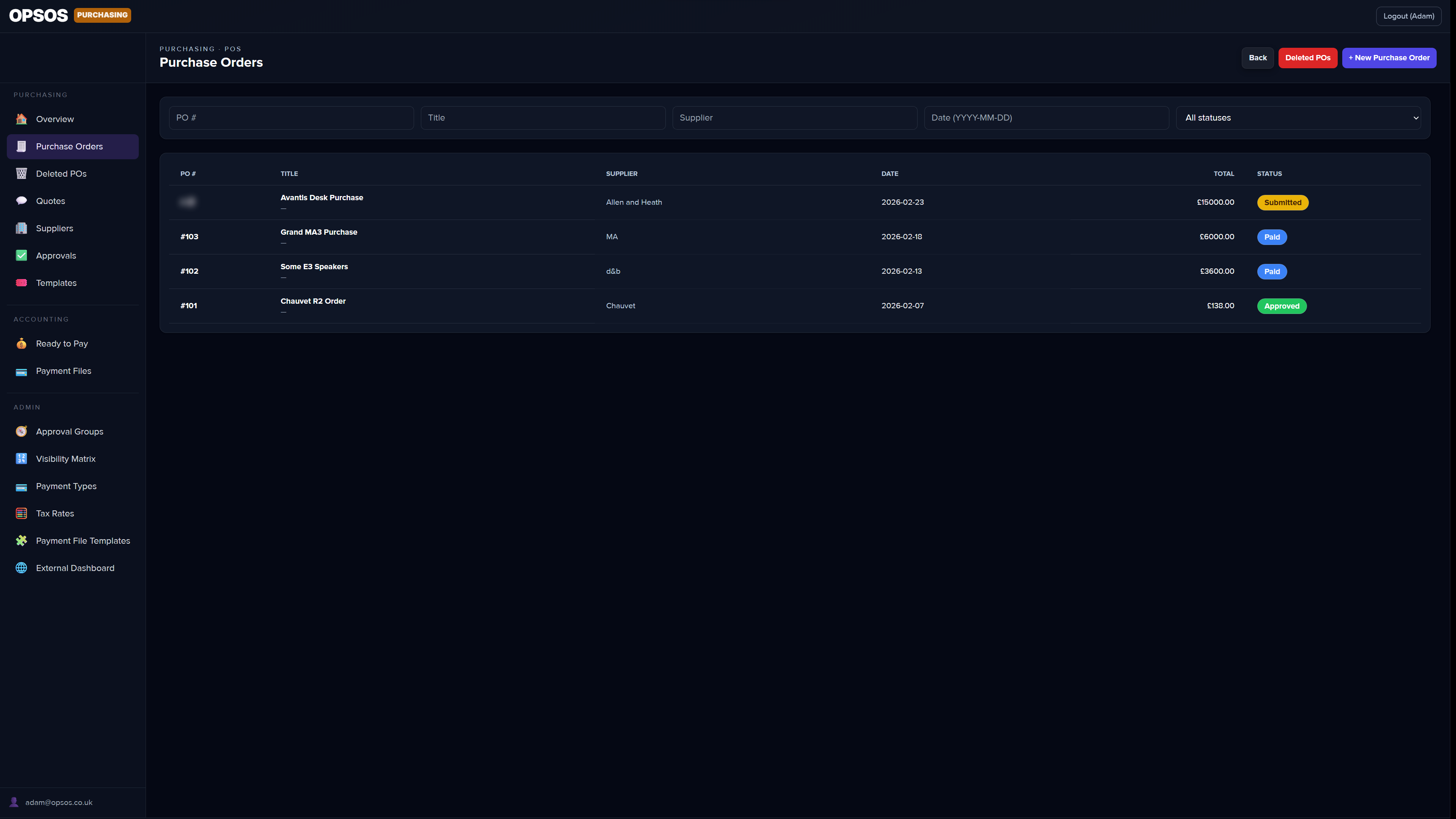
What's included
Purchase orders
Draft to delivery, end to end.
Create POs from scratch or from a template, attach line items, link to suppliers, and track status from draft through approval, delivery, and close-out. Full history at every step.
Approval workflows
Nothing gets through without the right sign-off.
Configure multi-step approval chains with any number of approvers. Route by value, department, category, or supplier. Approvers get notified by email and can approve or reject directly — no login required.
Approval groups
The right people approving the right spend.
Group approvers by team, budget band, or category. Any member of the group can action the approval, so one person being out of office never blocks a purchase.
Supplier directory
All your suppliers, in one place.
Centralised records for every supplier — contacts, payment terms, lead times, and order history. Link suppliers to POs so you always know who you bought from and what you paid.
Invoicing
Match invoices. Catch discrepancies. Close fast.
Attach invoices to purchase orders and match line items automatically. Flag price or quantity mismatches for review before payment. Full invoice status tracking from received to paid.
Accounting integrations
Xero, Sage, and QuickBooks — all supported.
Sync invoices, payments, and supplier records directly with your accounting package. OpsOS integrates with Xero, Sage, and QuickBooks, keeping your books up to date without manual data entry.
Recurring orders
Regular supplies on autopilot.
Schedule recurring purchase orders for regular consumables and services. Set the frequency, the supplier, and the line items once — OpsOS generates the PO and routes it for approval automatically.
Budget tracking
Spend visibility before it's too late.
Set budgets by department, project, or cost centre and track committed and actual spend in real time. Approvers see remaining budget when reviewing a PO so overspend decisions are always conscious ones.
Reporting
Know where your money went.
Built-in spend reports by supplier, category, department, and time period. See total committed spend, average order values, approval cycle times, and invoice settlement rates. Export to CSV for your finance team or use the built in customisable widgets.
Document management
Every PO. Every invoice. Filed automatically.
Attach and store documents against purchase orders — quotes, delivery notes, signed contracts, invoices. Searchable, versioned, and accessible to the right people without digging through email.
Supplier portal
Give suppliers what they need. Nothing more.
Share purchase order details with suppliers via a secure external link. Suppliers can confirm receipt, update delivery status, and submit invoices — no OpsOS account required.
Approval delegation
Going on holiday? Approvals don't stop.
Mark yourself as unavailable for a period and delegate your approval authority to a colleague. Any POs that land in your queue during that time are automatically routed to them instead — no hold-ups, no chasing, no coming back to a backlog.
All modules
← Back to all modules